Launch Your First Web Scan in Minutes with Chowkidar
Your web application is constantly exposed to evolving threats. With Chowkidar, you can start identifying vulnerabilities in minutes — no complex setup, no technical friction.
From configuration to live results, everything is designed to get you scanning fast and uncovering risk instantly.
Start a New Scan Instantly
👉 https://chowkidar.xyz/dashboard/scans/new
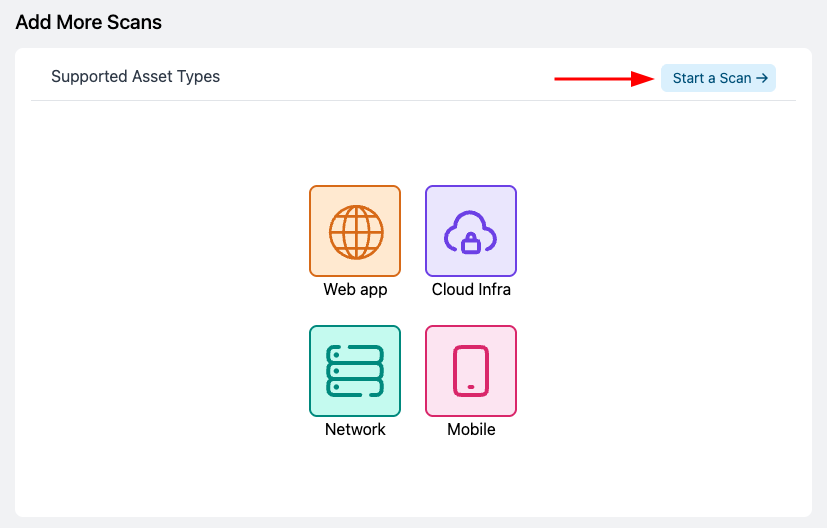
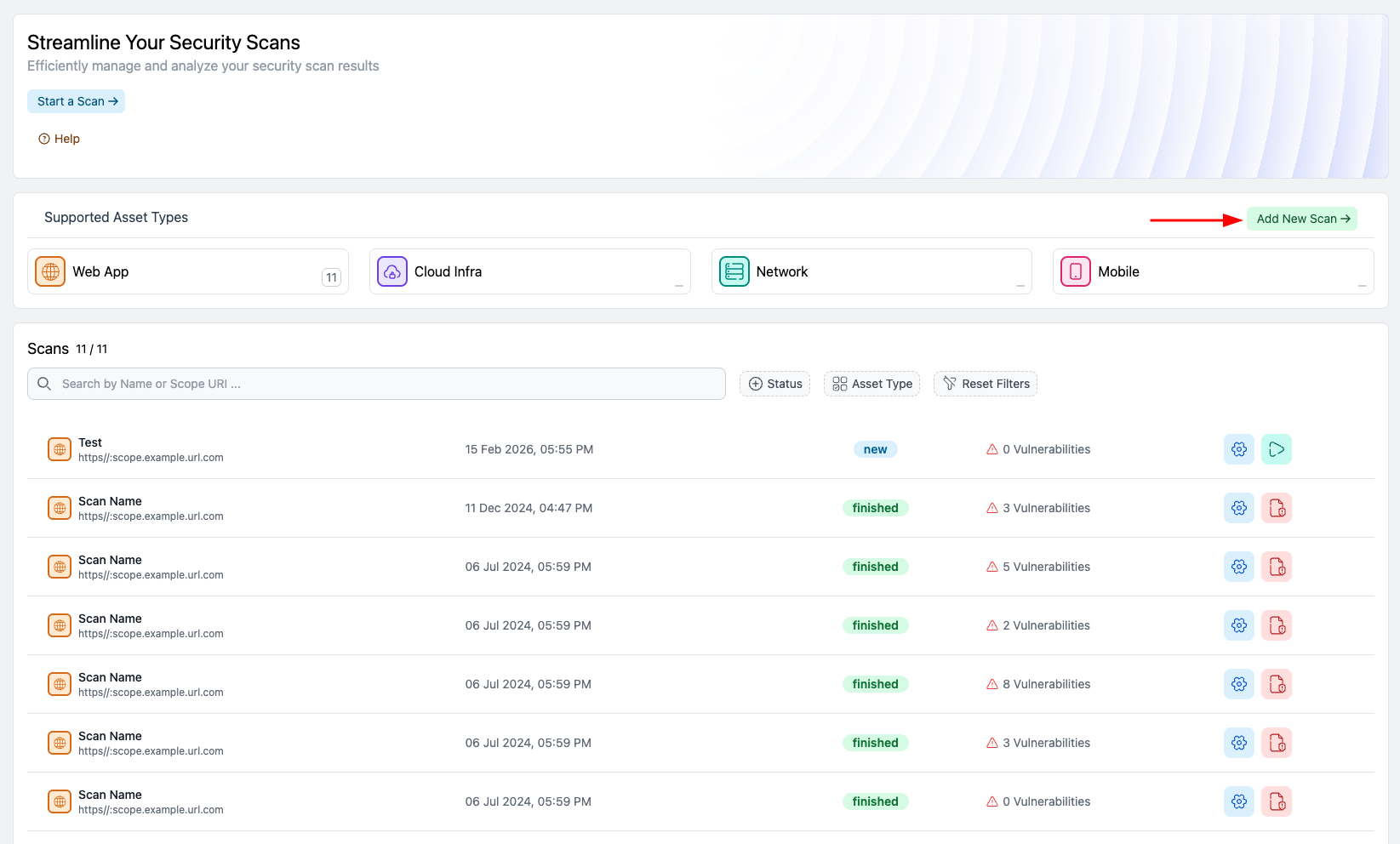
Whether you access it from the dashboard, the Scans page, or the “Start a Scan” button in the top banner, Chowkidar makes launching a scan effortless. Every path leads to a streamlined setup experience designed for speed and clarity.

Define Your Target with Confidence
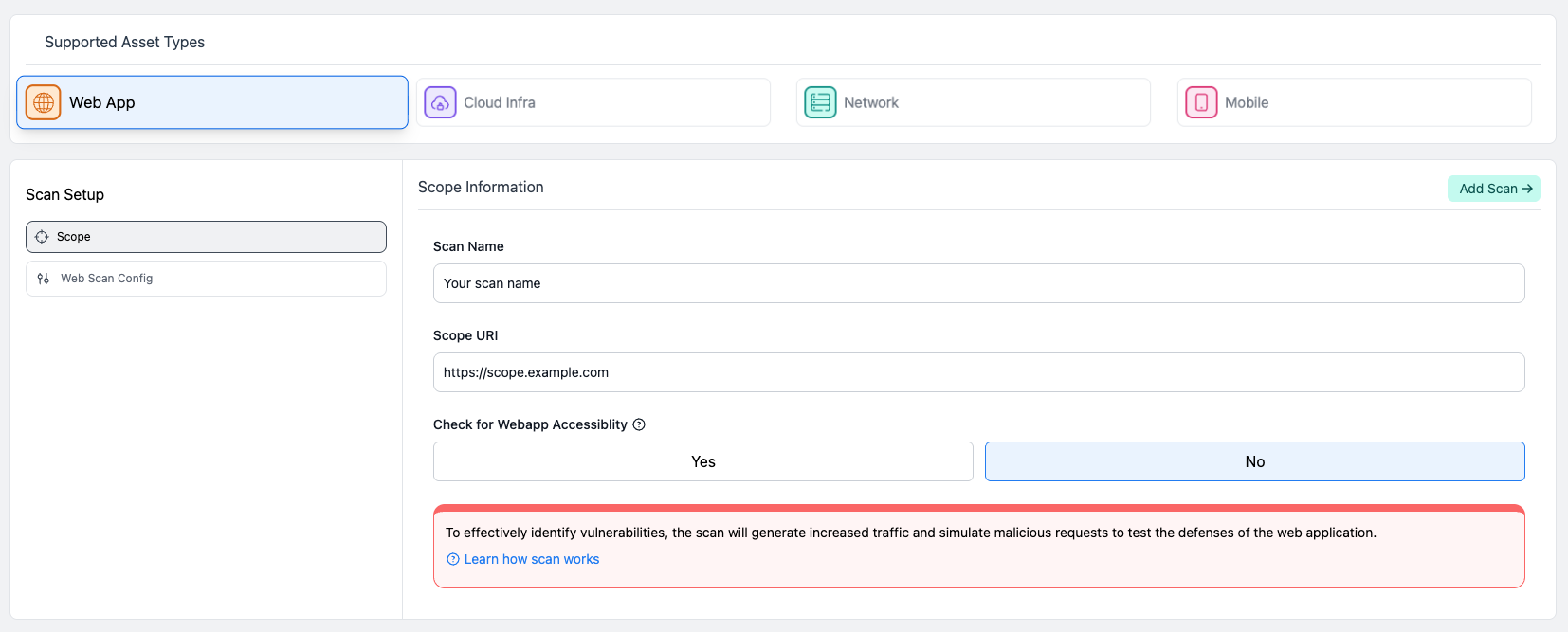
Select Web App as your asset type and define your scope by entering a scan name and the target URL. This ensures Chowkidar runs web-specific tools and vulnerability checks tailored for web applications.
⚠️ Important: Make sure the URL is accurate and final. The scope URL cannot be changed after the scan is created.
Chowkidar includes an optional accessibility check to verify that the website is reachable before scanning begins. In some environments, however, firewalls or web application firewalls (WAFs) may block automated scanners, which can cause the scan to fail during this stage.
If your website is protected by strict firewall rules or IP restrictions, it may be better to disable the accessibility check during setup. This allows the scan to proceed without interruption.
Customize Your Security Coverage
Chowkidar doesn’t believe in one-size-fits-all scanning. In the Web Scan Configuration section, you choose the tools and scan types that match your security needs. Run comprehensive assessments or targeted checks — you stay in control.
And if your website runs on WordPress, enable the WordPress scan and provide your WPScan API key to unlock deeper CMS-specific vulnerability detection.
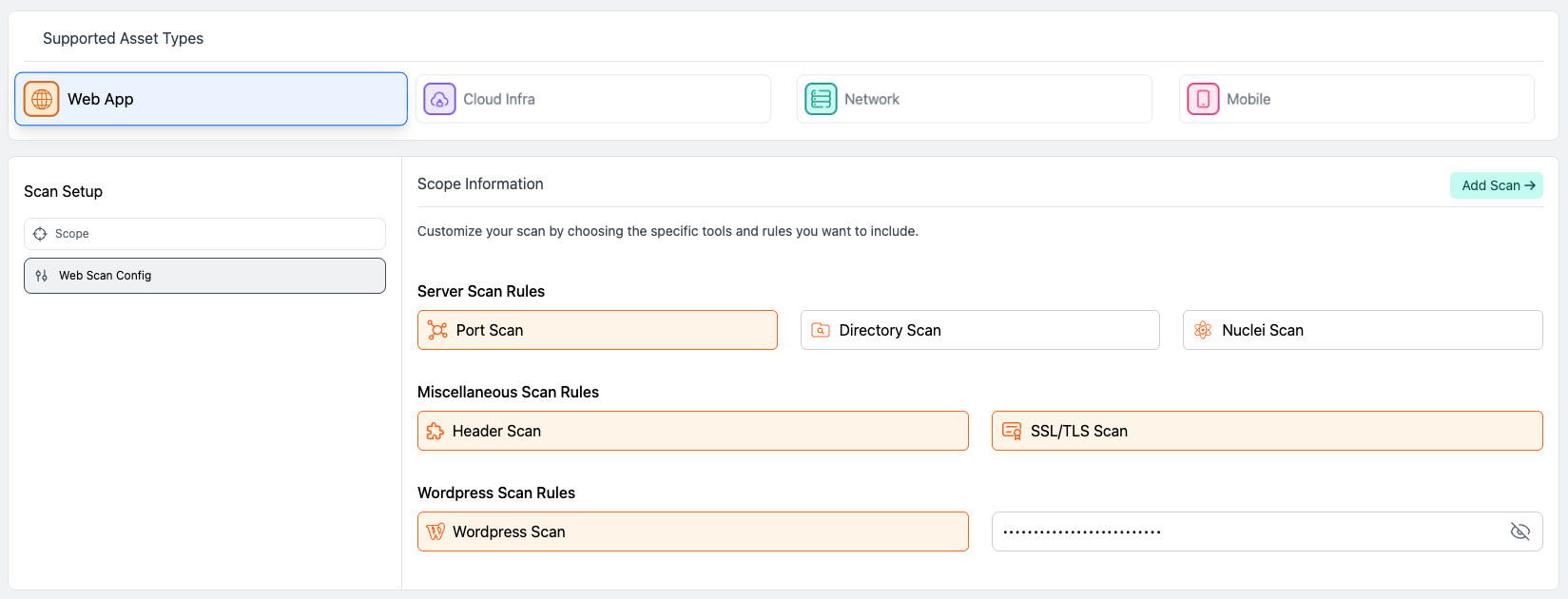
Save, Launch, and Watch Vulnerabilities Appear in Real Time
Once you save your scan, you’re redirected to the All Scans page — and your web scan is ready to start.
Here’s where the magic happens.
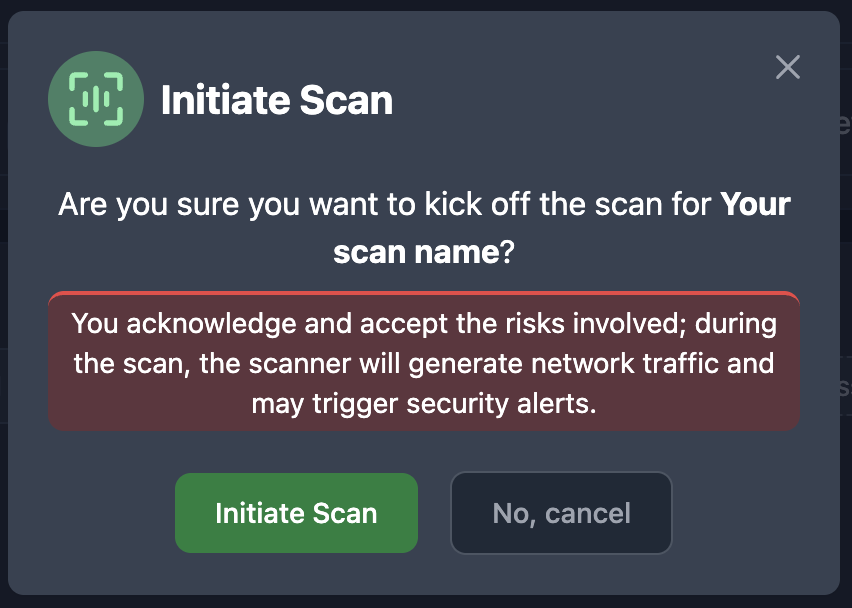
As Chowkidar scans your target, vulnerabilities are added in real time as soon as they’re discovered. You don’t need to wait for completion to start reviewing findings. Risk visibility begins immediately.
Scan today - Act today

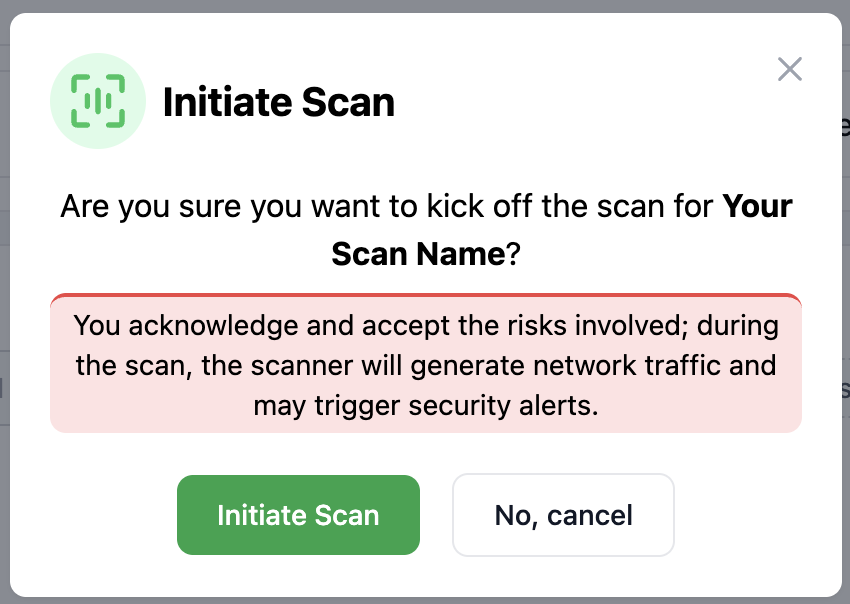
Faster Scans - Immediate Insights - Stronger Security
With Chowkidar, running a web scan isn’t a technical hurdle — it’s a strategic advantage.
- Launch in minutes
- Customize your coverage
- Discover vulnerabilities in real time
- Start remediation immediately
👉 Start Your Web Scan Now. Your attack surface won’t wait. Neither should you.